
- پروگرامرها
- دما و رطوبت
- سایر ماژول ها
- سنسور بخار سرد
- کی پد و جوی استیک
- ماژول GPS-GPRS
- ماژول رله و سوییچ
- ماژول شبکه
- ماژول نمایشگر
- ماژول های RF
- ماژول های RFID
- ماژول های پخش صدا
- ماژول های پردازش تصویر
- ماژول های تاریخ و ساعت
- ماژول های تغذیه – ولتاژ – جریان
- ماژول های ذخیره داده
- ماژول های شتاب سنج و ژیروسکوپ
- ماژول های مبدل
- ماژول های محافظ شارژ باتری
- ماژول های مولد پالس
- ماژول ولتمتر و آمپرمتر
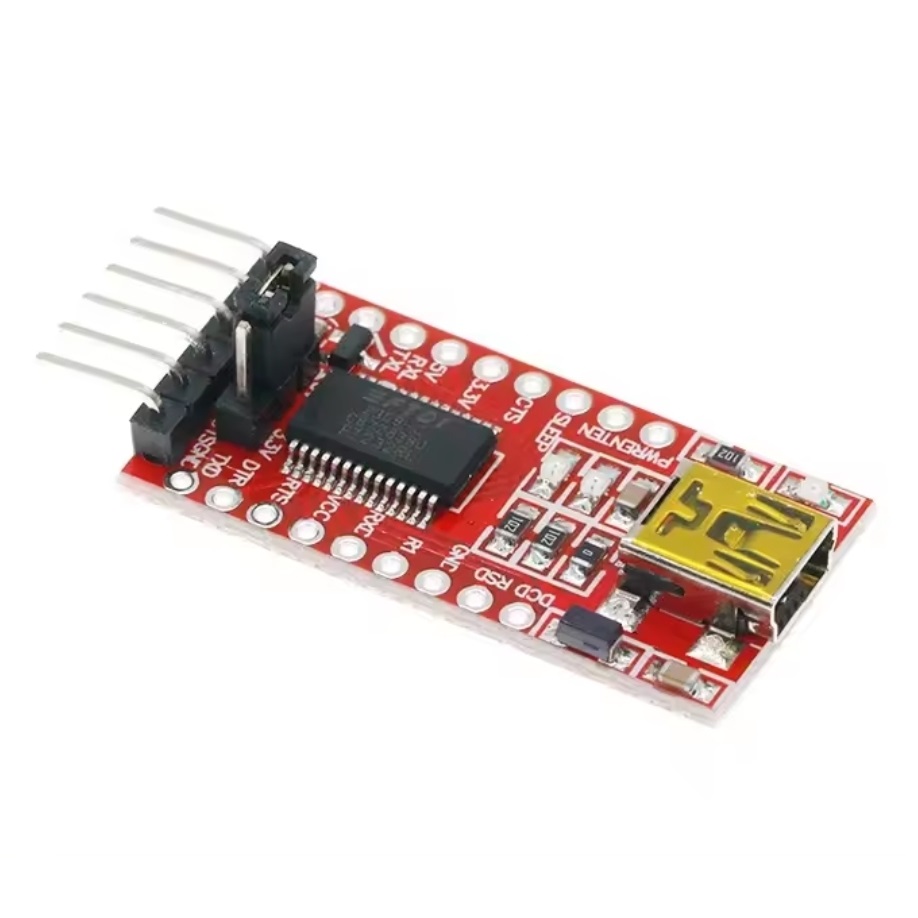
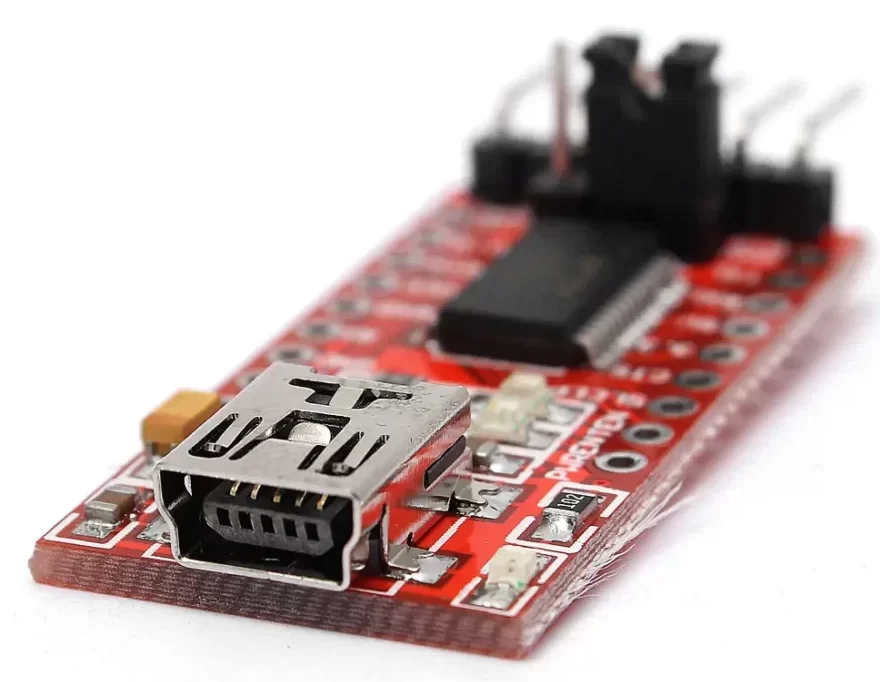
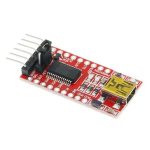

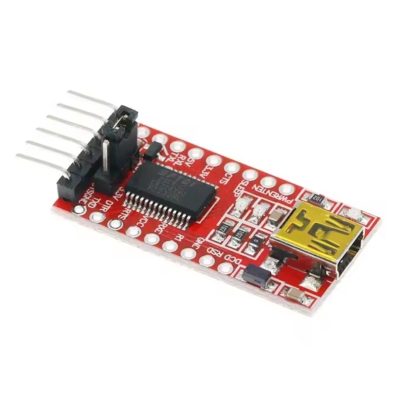
ماژول مبدل USB به سریال FT232
20
نفر در حال مشاهده این محصول هستند!
توضیحات
Features
Supports Mac, Linux, Android, WinCE, Windows 7/8/8.1/10…
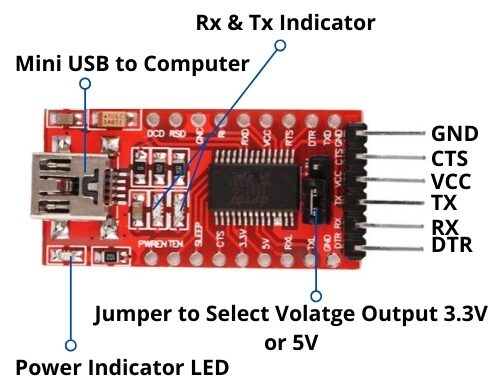
3 power mode : 5V output, 3.3V output, or powered by target board (3.3V-5V)
3 LEDs: TXD LED, RXD LED, POWER LED
Functional Pins
TXD, RXD, RTS#, CTS# : connected to the onboard soldered pin headers
The other Pins : accessable on the drill holes (separate pin headers are also provided for easily connecting to user system, the pitch is compatible with bread boards)
How to Use
In the case of working with a MCU:
VCCIO ↔ 3.3V or 5V output (the module is powered from USB, onboard jumper should be shorted to 3.3V or 5V)
GND ↔ GND
TXD ↔ MCU.RX (signal direction: MCU.RX << FT232 << PC.TX)
RXD ↔ MCU.TX (signal direction: MCU.TX >> FT232 >> PC.RX)
RTS ↔ MCU.CTS (signal direction: MCU.CTS << FT232 << PC.RTS)
CTS ↔ MCU.RTS (signal direction: MCU.RTS >> FT232 >> PC.CTS)
Install the Drivers
Most Linux distributions include drivers for the FTDI FT232R.
However, this is not the case in any of the versions of Windows.
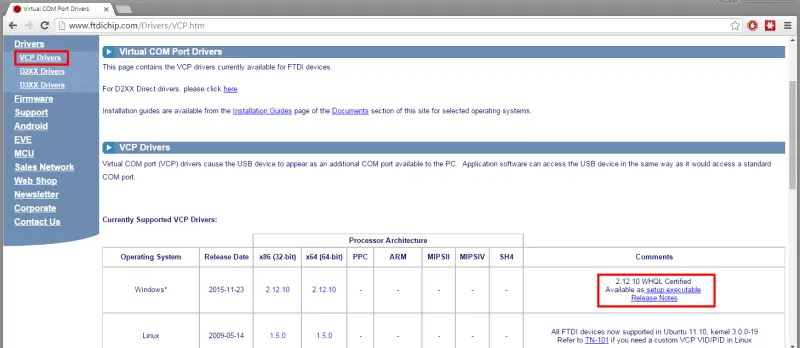
Fortunately, in case of using a Windows operating system (or a Linux distribution that does not include the drivers) the solution is as simple as downloading and installing the drivers from the manufacturer’s website.
Here we select VPC Drivers (Virtual COM Ports) and select the most current driver available.
In the case of Windows, make sure to download the executable installer, instead of the compressed file, since the installation is easier.
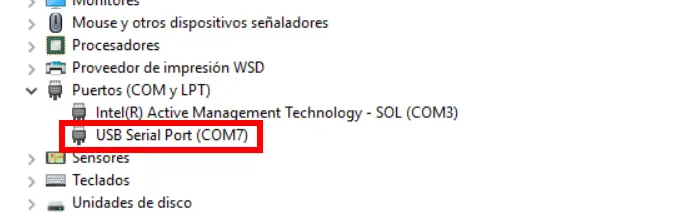
After installing the driver, we connected the FTDI FT232R.
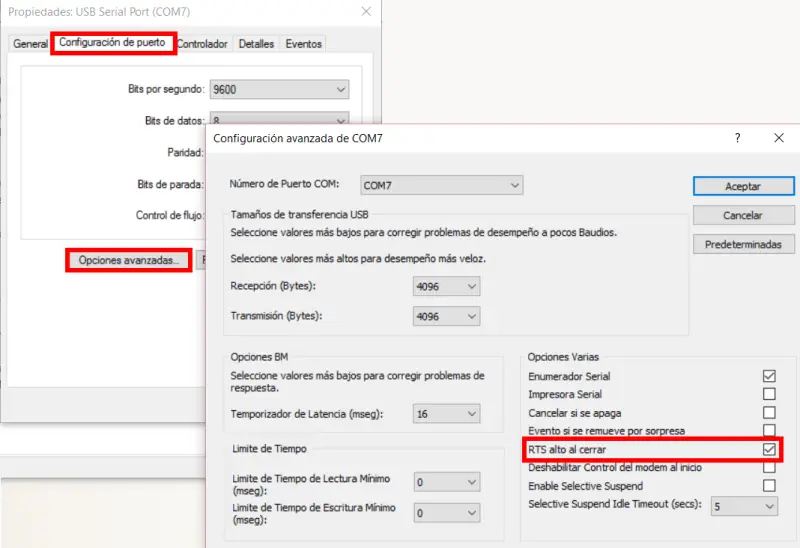
We go to devices, and in COM ports we locate the one corresponding to the FTDI FT232R. Right-click and choose “Properties”
Here, in advanced options we activate the option “High RST on closing”.
This will reset the Arduino when loading the program, which is necessary for the Arduino programming process.
نظرات (0)
برای فرستادن دیدگاه، باید وارد شده باشید.

نقد و بررسیها
هنوز بررسیای ثبت نشده است.